I am getting this “unexpected end of transmission”-error on all recognizers except for the built-in silence recognizer:
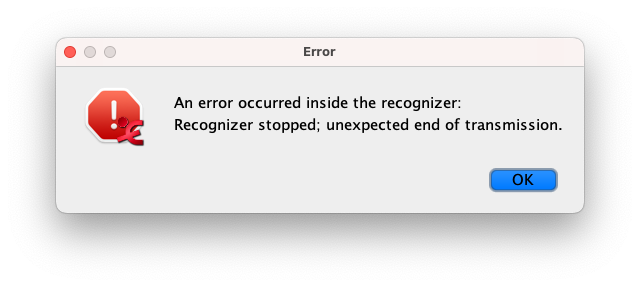
This is on MacOS 14.1.
What can I do to get those recognizers to work?

I am getting this “unexpected end of transmission”-error on all recognizers except for the built-in silence recognizer:
This is on MacOS 14.1.
What can I do to get those recognizers to work?
Hello, thank you for reporting this. I can reproduce the error and after closing the error message and clicking the Report button I see a message containing the line “Unable to locate a Java Runtime” with a link to information on installing Java. This is strange, the command that is executed when clicking the Start button works when run from a Terminal. Not sure what makes this fail.
There is a bit tedious workaround which might work:
Contents/app/extensionsrecognizer.cmdi which can be opened in a text editorrunMac="java AvatechClamClient etc.."java” by the full path to the java which is included in the same ELAN package, something like /Applications/ELAN_6.7.app/Contents/runtime/Contents/Home/bin/java, adjust to your situation (maybe drag that java file into a Terminal window to be able to copy the path)recognizer.cmdi file, launch ELAN again and try the recognizer of which you updated the .cmdi fileApologies for the inconvenience, we’ll try to improve this in a next release.
-Han